
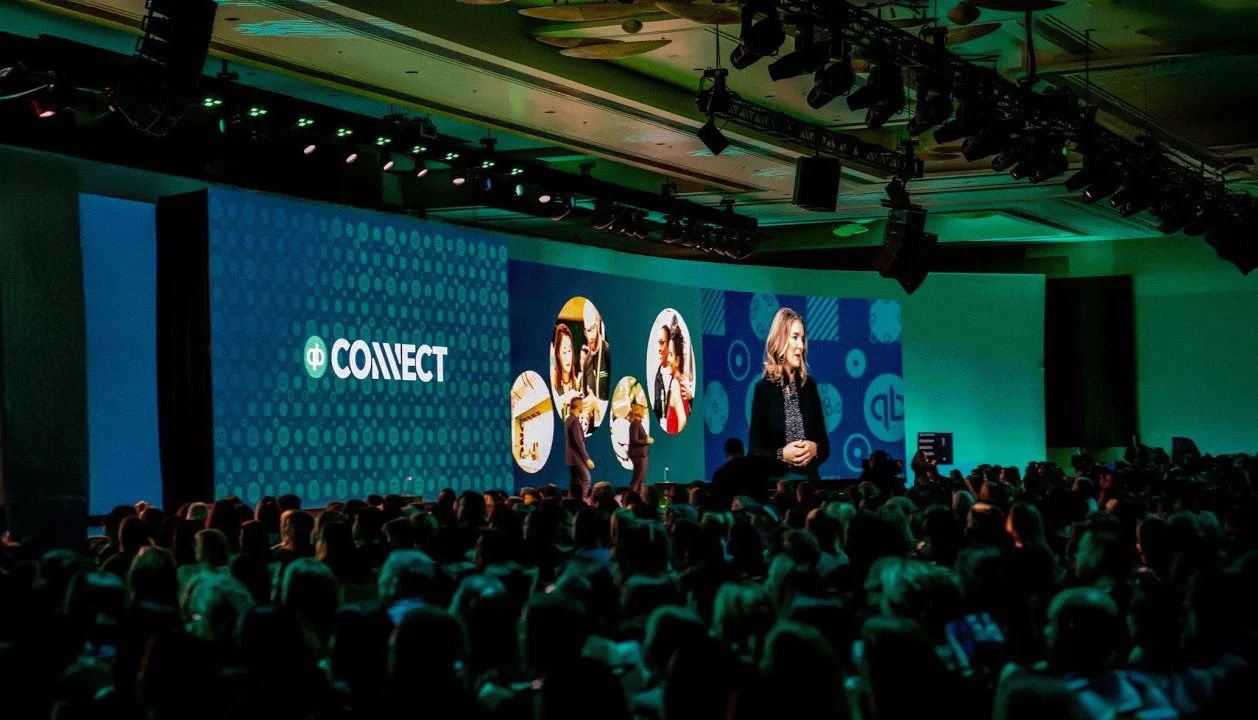
QuickBooks Connect Website, Branding, and Motion Graphic
Employer: Intuit
Event: QuickBooks Connect
Role: Visual Designer
Collaborators: Rahul S. (Lead Visual Designer), Nick J. (Lead Motion Designer)
Deliverables: Website pages (Landing Page, Sessions, Speakers, Sponsors), social media posts, print materials (stickers, event signage, booklets), lower third animations, bumper animations, and 3D motion graphics.
Design Guidelines: Intuit Visual Identity Guidelines
During my contract with Intuit, I contributed to the visual design and branding efforts for QuickBooks Connect. The scope included creating website pages, social media campaigns, print materials, and motion graphics, following the newly rebranded visual identity outlined in Intuit’s Visual Identity Guidelines. Working closely with Rahul S. (Lead Visual Designer) and Nick J. (Lead Motion Designer), I ensured all deliverables adhered to the updated branding guidelines while contributing creatively, particularly in areas like lower thirds, bumper animations, and 3D motion graphics for live broadcasts.
Scope of Work
Creation of high-fidelity wireframes and prototypes for Landing Page, Sessions, Speakers, and Sponsors website pages.
Creation of social media marketing materials.
Print materials, including stickers, event signage, and small business guide booklets.
Lower Third Animations, Bumper Animations, and 3D Motion Graphics for live event broadcasts.
Design Goals
Website Pages
Design high-fidelity wireframes and interactive prototypes to ensure smooth navigation and a user-friendly experience for the Landing Page, Sessions, Speakers, and Sponsors, while aligning with Intuit’s updated branding.Lower Third and Bumper Animations
Follow design templates and motion guidelines provided by Nick J. while contributing creative suggestions for the lower thirds and bumper animations used in live broadcasts.Marketing and Print Materials
Develop engaging social media content and printed materials, including stickers and booklets, adhering to QuickBooks’ rebranded identity, as outlined by Intuit.
Website Design Process
High-Fidelity Wireframes and Prototypes
To ensure a seamless user experience, I created high-fidelity wireframes and interactive prototypes for each webpage. This helped visualize the structure, layout, and user flow before moving into the final design phase.
High-Fidelity Wireframes
Objective
Define the detailed structure and user interactions for each webpage, focusing on usability, content placement, and overall design flow.Process
Using Figma, I created high-fidelity wireframes that incorporated detailed layouts, ensuring that key elements like CTAs, speaker profiles, and session schedules were prominently featured and easily accessible.
These wireframes went through a review process with stakeholders to ensure they met user experience goals and brand standards.
Interactive Prototypes
Objective
Create fully clickable prototypes to demonstrate user interactions, navigation flows, and transitions between pages.
Process
Developed interactive prototypes in Figma, enabling stakeholders to test and experience the functionality of the website pages in a realistic, high-fidelity format.
This helped in refining the user experience before moving into the final design phase.
-
Wireframe & Prototype
The high-fidelity wireframe laid out clear navigation paths, with sections dedicated to event registration, key speakers, and an overview of the event. The prototype included smooth transitions and hover effects for interactive elements like CTAs and speaker cards.Design
The final design applied the updated QuickBooks branding, including modern typography, clean layouts, and brand colors. Key sections were optimized for engagement, using large imagery and intuitive navigation. -
Wireframe & Prototype
The wireframe focused on structuring the sessions in a grid format, with options for filtering by category and speaker. The prototype allowed users to interact with session cards, revealing more details on hover.Design
The finalized design featured a responsive grid system, adhering to the new color palette and typography from the rebranding. The user experience was refined through the prototype phase, ensuring quick navigation between sessions. -
Wireframe & Prototype
The high-fidelity wireframe prioritized speaker imagery and session information, with filtering options for users to easily find relevant speakers. The prototype provided a smooth interactive experience for filtering and selecting speakers.
Design
The final design showcased large speaker portraits, bios, and session details, utilizing the updated brand colors and typography. The layout maintained a clean, minimal look while making it easy for users to navigate between speakers.
-
Wireframe & Prototype
The wireframe focused on organizing sponsors into tiered sections (Platinum, Gold, Silver), ensuring premium sponsors were highlighted. The interactive prototype demonstrated how users could click on sponsor logos to learn more.Design
The final design used a tiered structure to emphasize premium sponsors while maintaining a clean and professional aesthetic. The sponsor logos were presented in a visually appealing way, adhering to the new branding guidelines.
Lower Third Animations for Live Event
Goal is to create professional lower third animations for displaying speaker names, session titles,
and event details during live broadcasts, ensuring brand consistency and smooth visual transitions.
Design Process
Direction from Lead Motion Designer Nick J.
I followed Nick’s provided templates and design guidelines to create lower thirds that aligned with the event’s overall visual style. The goal was to ensure a polished, professional look that integrated smoothly into the live broadcasts.Creative Contributions
I contributed my own versions of the lower thirds, offering alternative designs and animation styles.
Some of these suggestions were incorporated into the final assets after review.
Design Elements
Typography and Colors
QuickBooks’ signature colors were used with clean, sans-serif fonts for legibility.
Here’s the guidelines I followed: https://design.intuit.com/quickbooks/brand/Animation Style
Implemented smooth slide-in and fade-out animations to ensure a professional presentation that did not distract from the event content.Brand Consistency
All animations adhered to the QuickBooks brand guidelines, ensuring a cohesive look across all event visuals.
Bumper Animations
Objective
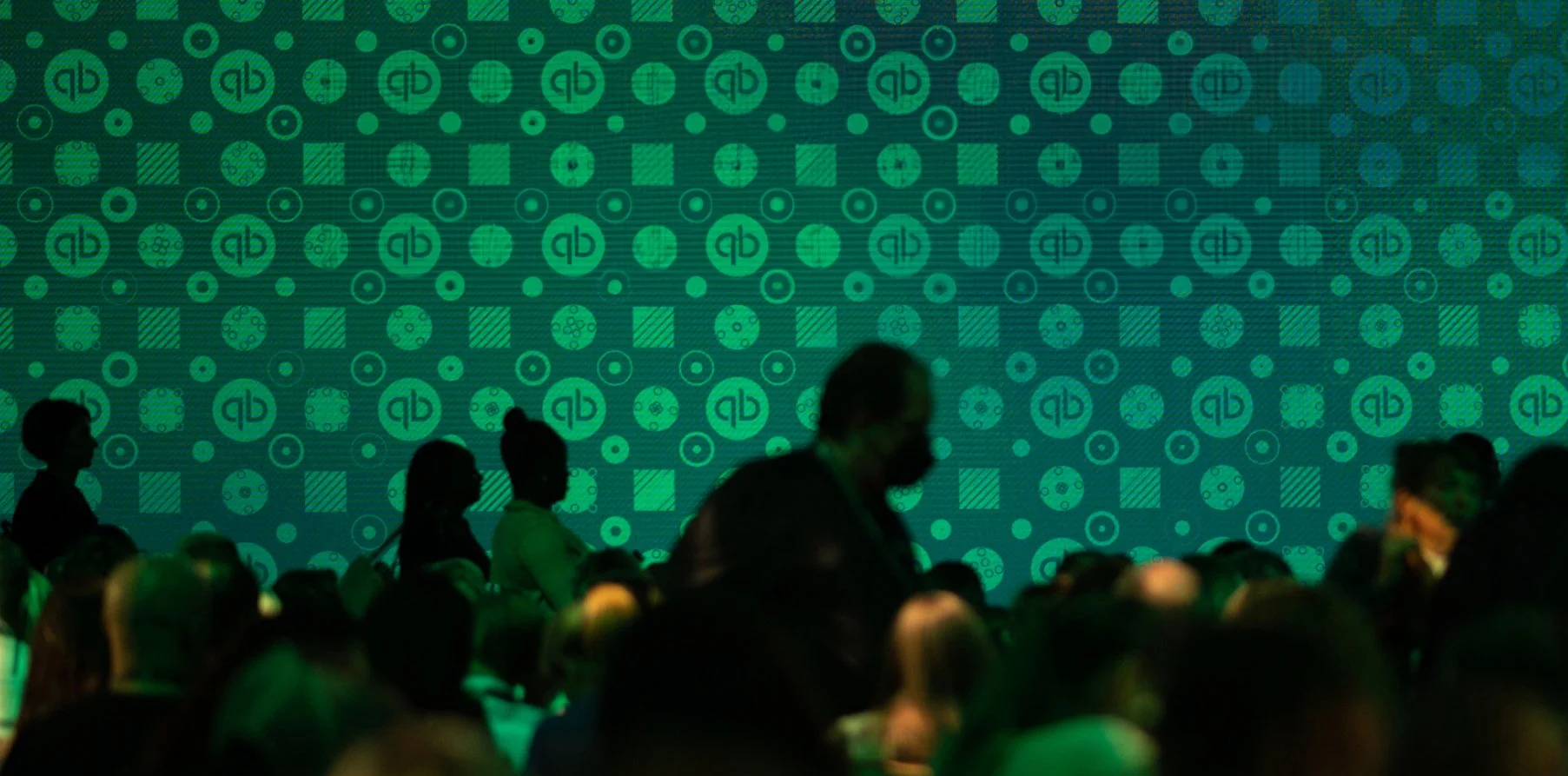
Designed bumper animations to serve as transitions between content segments during live event streams, following Intuit's updated branding.Animation Process
Using After Effects, I designed and animated short bumper transitions (5-10 seconds) that incorporated the updated QuickBooks logo, typography, and colors. These animations were clean, professional, and served as effective visual breaks between different segments of the event.Final Animation
The bumpers provided seamless transitions between event segments, reinforcing QuickBooks’ branding with each appearance. The animations were designed to be visually engaging while maintaining a smooth flow during the live broadcasts.
Social Media Campaigns
Objective
Create visually engaging social media posts to promote QuickBooks Connect,
encourage registrations, and build excitement leading up to the event.Countdown Posts
I designed countdown posts that featured bold typography and dynamic animations, using QuickBooks’ updated brand colors. These posts were created to build excitement and anticipation as the event date approached, and were consistently branded across social media platforms.Speaker and Sponsor Highlights
I developed social media posts showcasing key event speakers and sponsors. These posts used high-quality visuals, concise information, and consistent branding to engage the audience and promote the event.
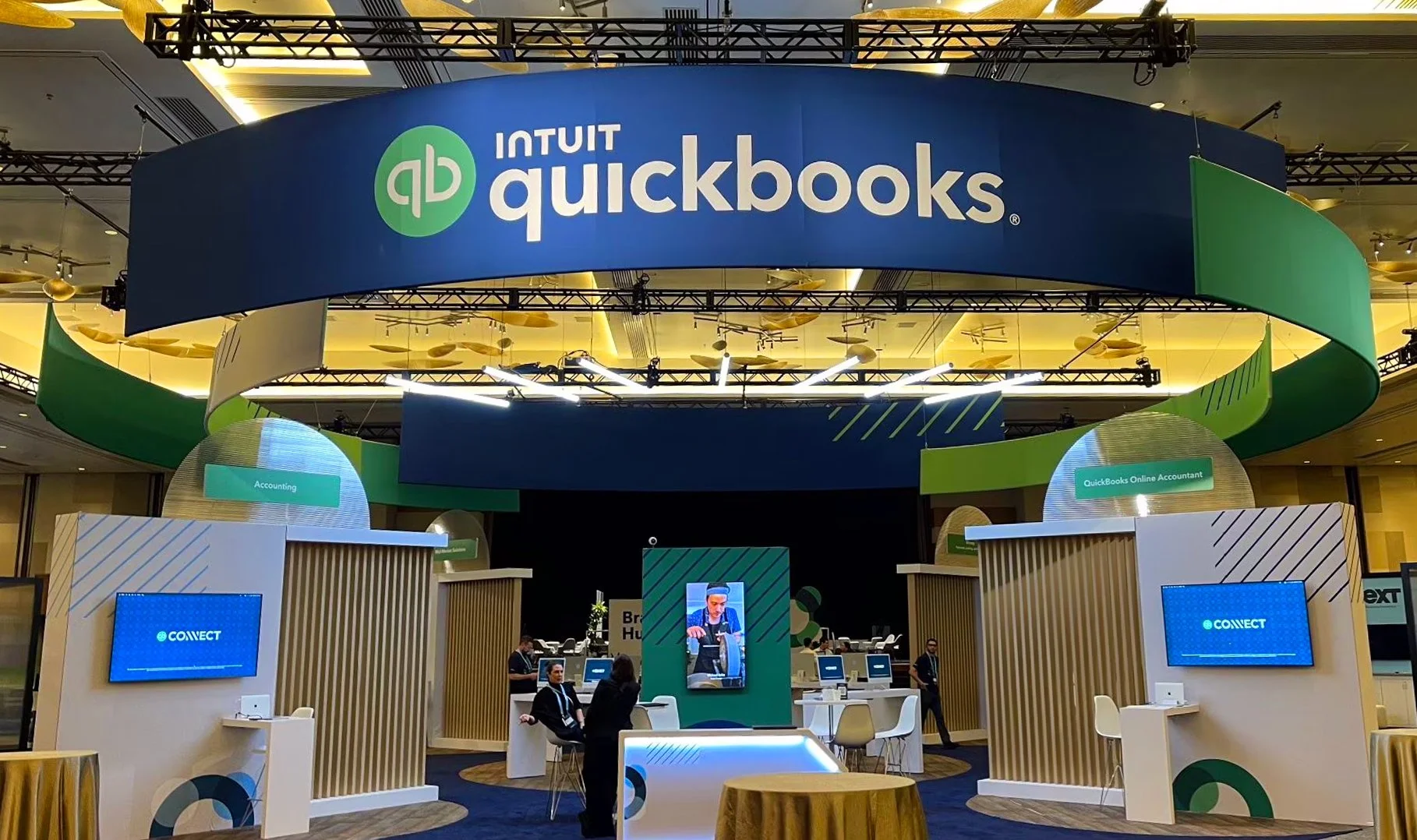
Print Materials
Stickers
Objective
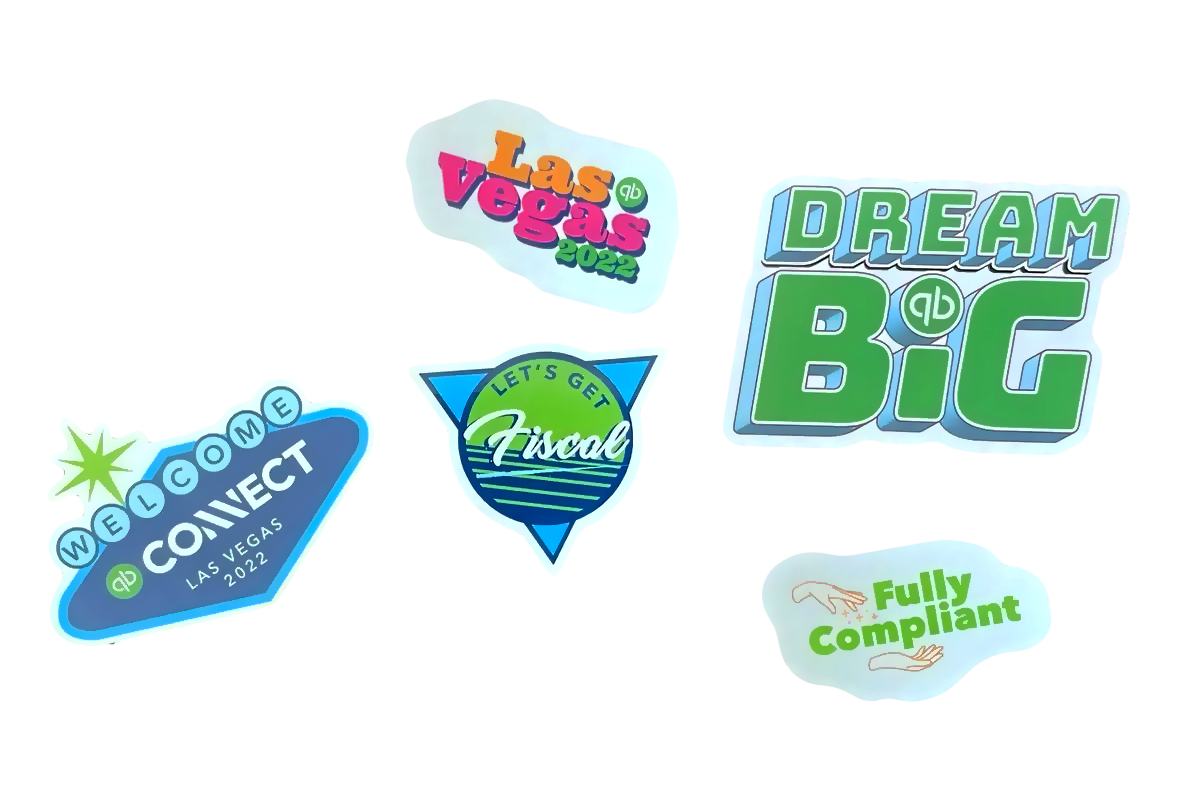
Design branded stickers for attendees to use during the event.Design Approach
The stickers featured QuickBooks’ updated logo and color palette, designed to be simple yet fun. These were used as giveaways during the event and reflected the professional, modern tone of the event branding.
Small Business Guide Booklet
Objective
Create a booklet providing useful guides and tips for small businesses attending the event.Design Approach
The booklet was laid out in a clean, structured format, incorporating QBC’s branding. The content was easy to navigate, offering valuable information for small business owners while maintaining a professional and approachable design.
Results
Professional Event Experience
The lower thirds and bumper animations contributed to a polished and professional live event broadcast, creating a seamless and visually cohesive experience.Engagement and Branding
The social media campaigns successfully drove engagement and registrations for the event, with visually dynamic content that adhered to the new QuickBooks branding.Consistent Brand Identity
Across all platforms, from the website to social media to print materials, QuickBooks’ rebranded identity was maintained, providing a unified and professional experience for event attendees.