
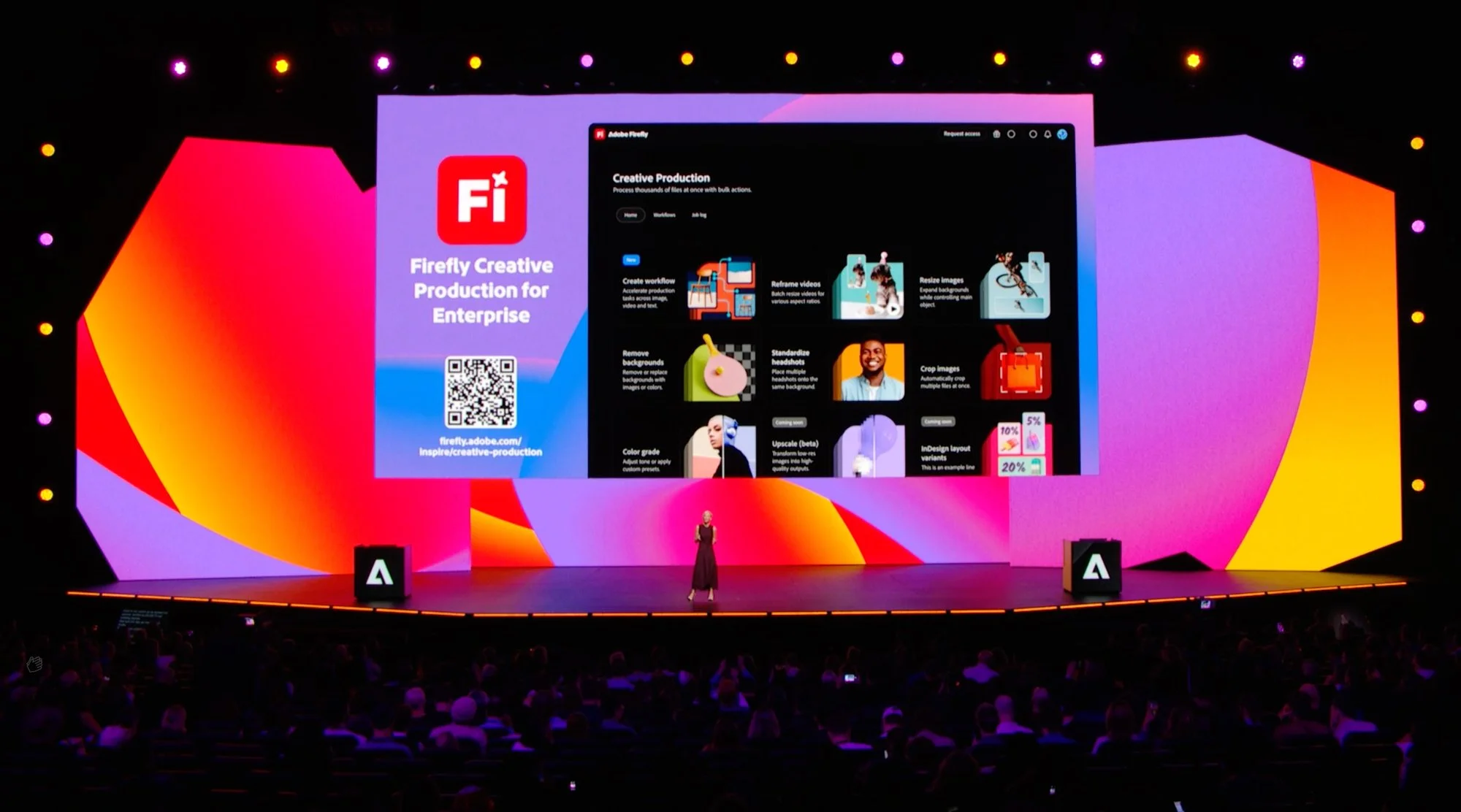
Adobe’s Ultimate AI Tool, Firefly. My Journey as a Visual Designer
Shaped Adobe’s AI-powered creative tools and generative design experiences by leading end-to-end visual design across platforms and translating complex AI capabilities into intuitive, cohesive user experiences. Created and maintained visual design guidelines to ensure consistency, scalability, and high craft across Adobe Firefly surfaces, while also designing high-impact visuals for Adobe MAX that supported global event storytelling, product launches, and brand expression. Collaborated cross-functionally to help define product direction and elevate overall design quality, delivering polished, brand-aligned experiences for creators.
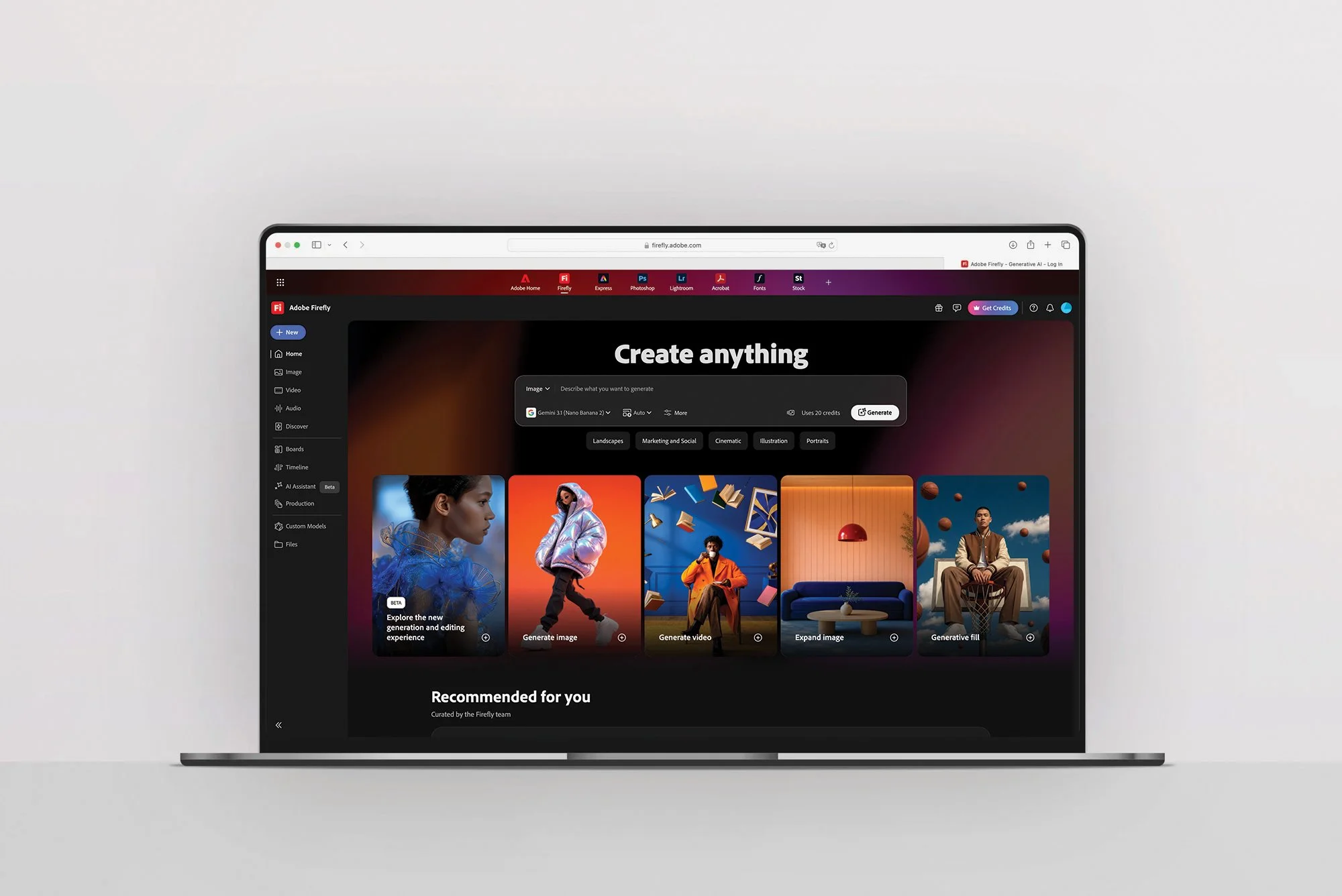
Firefly Mobile App
Firefly isn't just a desktop destination; it's a portable creative studio. In designing the mobile experience, I focused on maintaining full feature parity while adapting the layout for a vertical, touch-based interface. By strictly adhering to a scalable design system, I ensured that the iconography, typography hierarchy, and card spacing remained consistent across all breakpoints. This rigorous scalability allows the user to start a creative project on mobile and seamlessly transition to desktop without ever having to re-learn the interface.
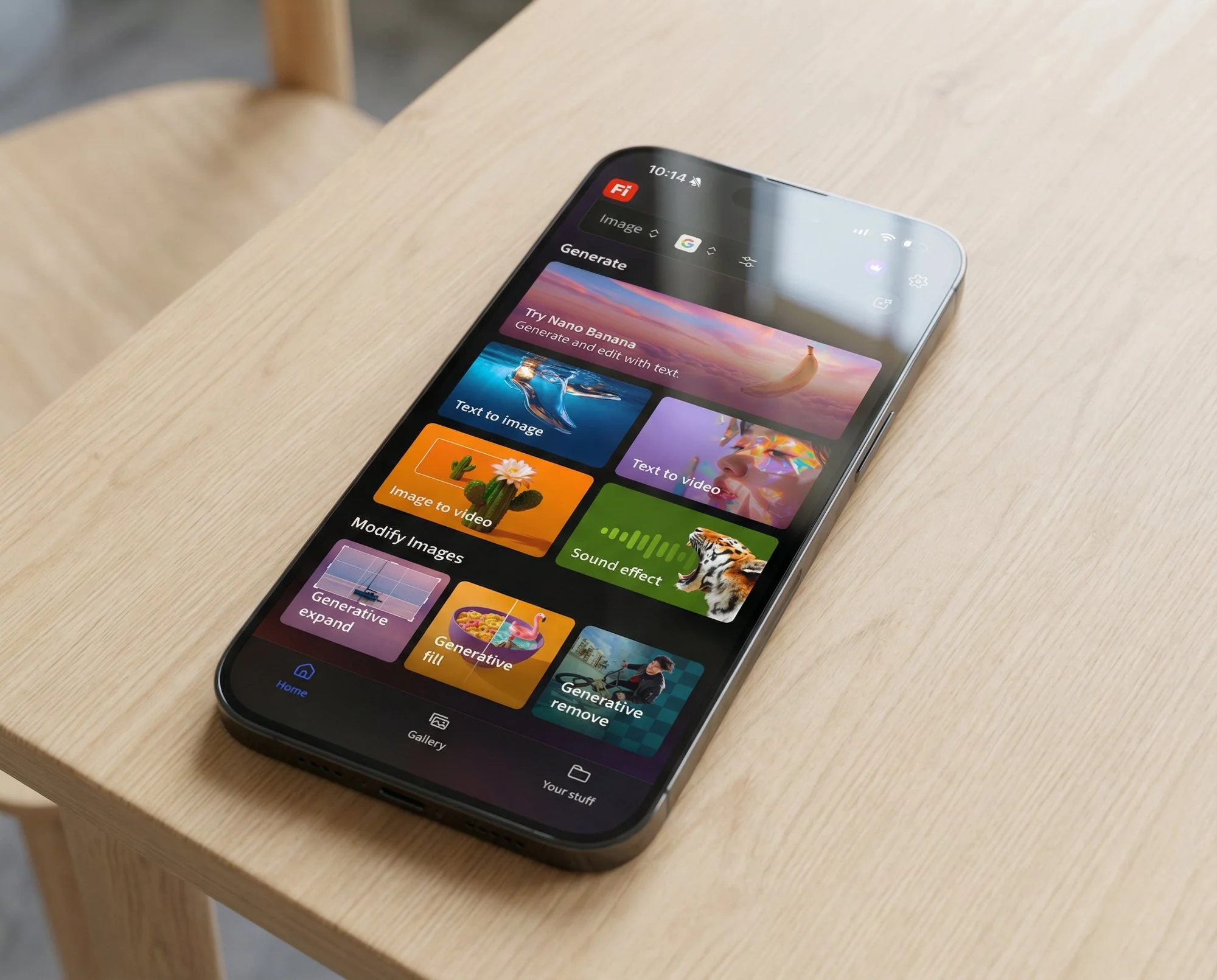
Communicating the "Magic" of Generative AI through Animation.
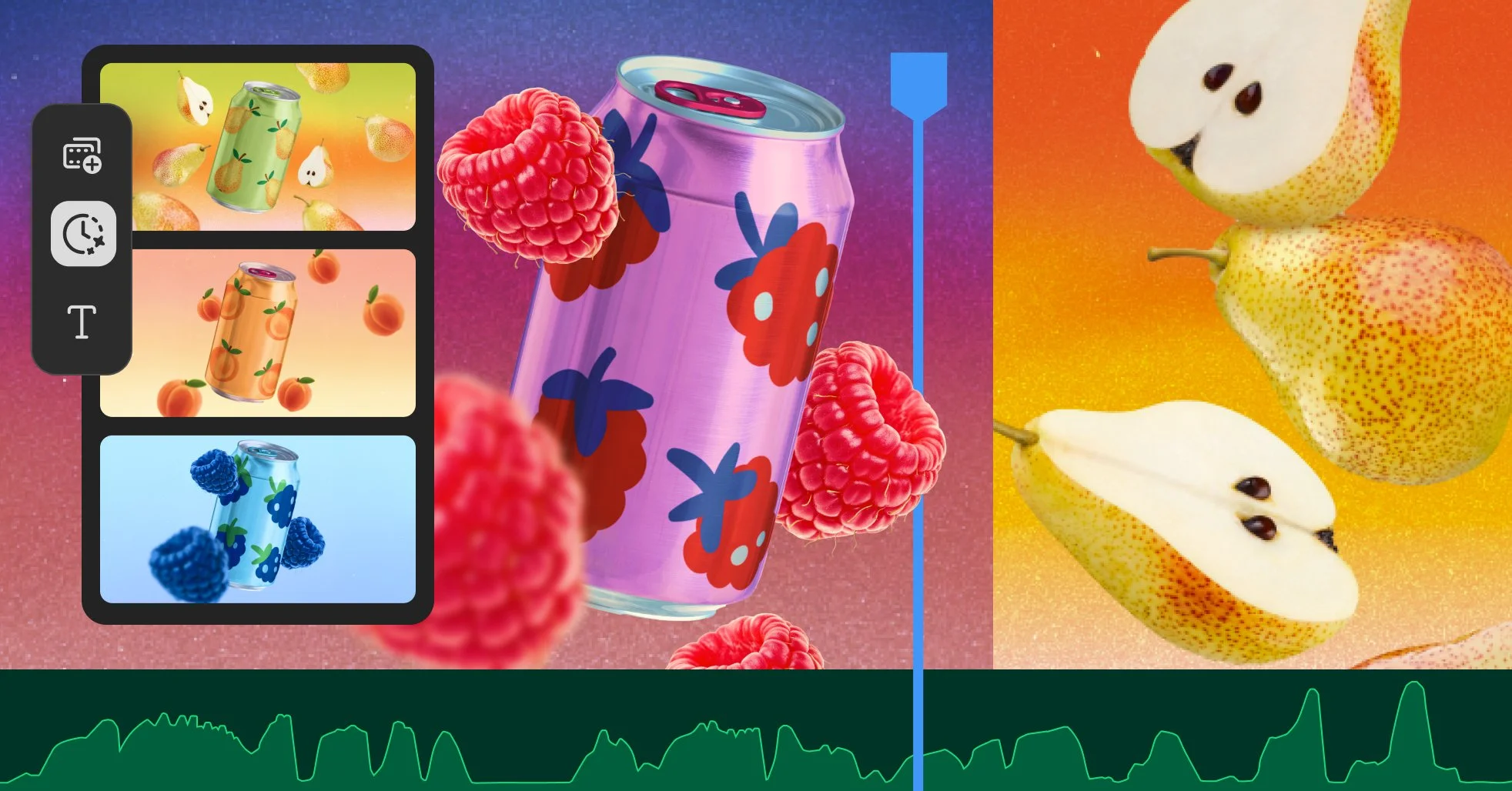
To effectively communicate the power of Firefly’s generative AI, I leveraged motion design not just for aesthetic 'delight,' but as a core mechanism to present the idea of what the tool does. By animating the transformation from a user’s initial prompt or input into the complex final asset, the interface provides real-time educational context.

What’s New Modal
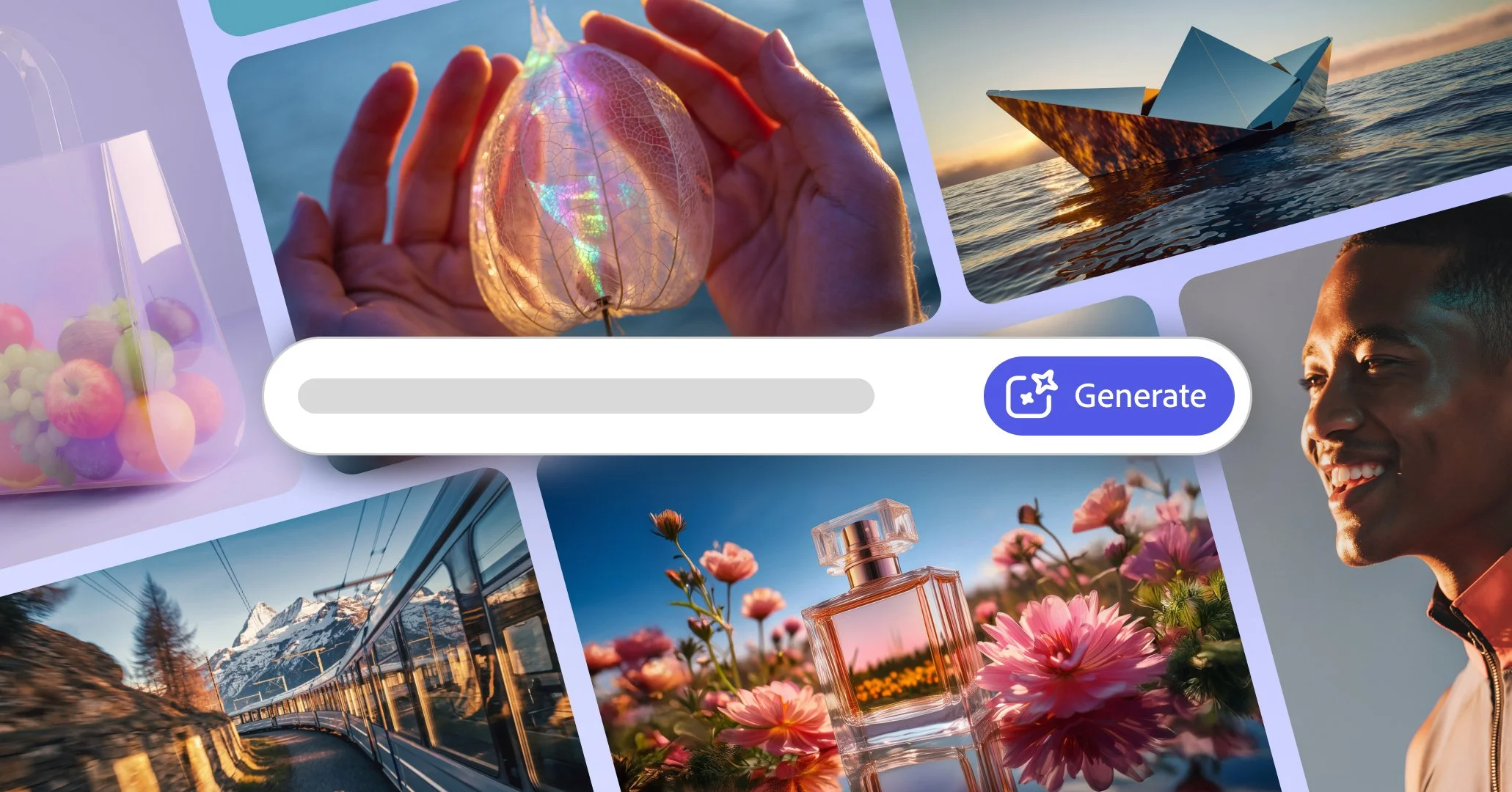
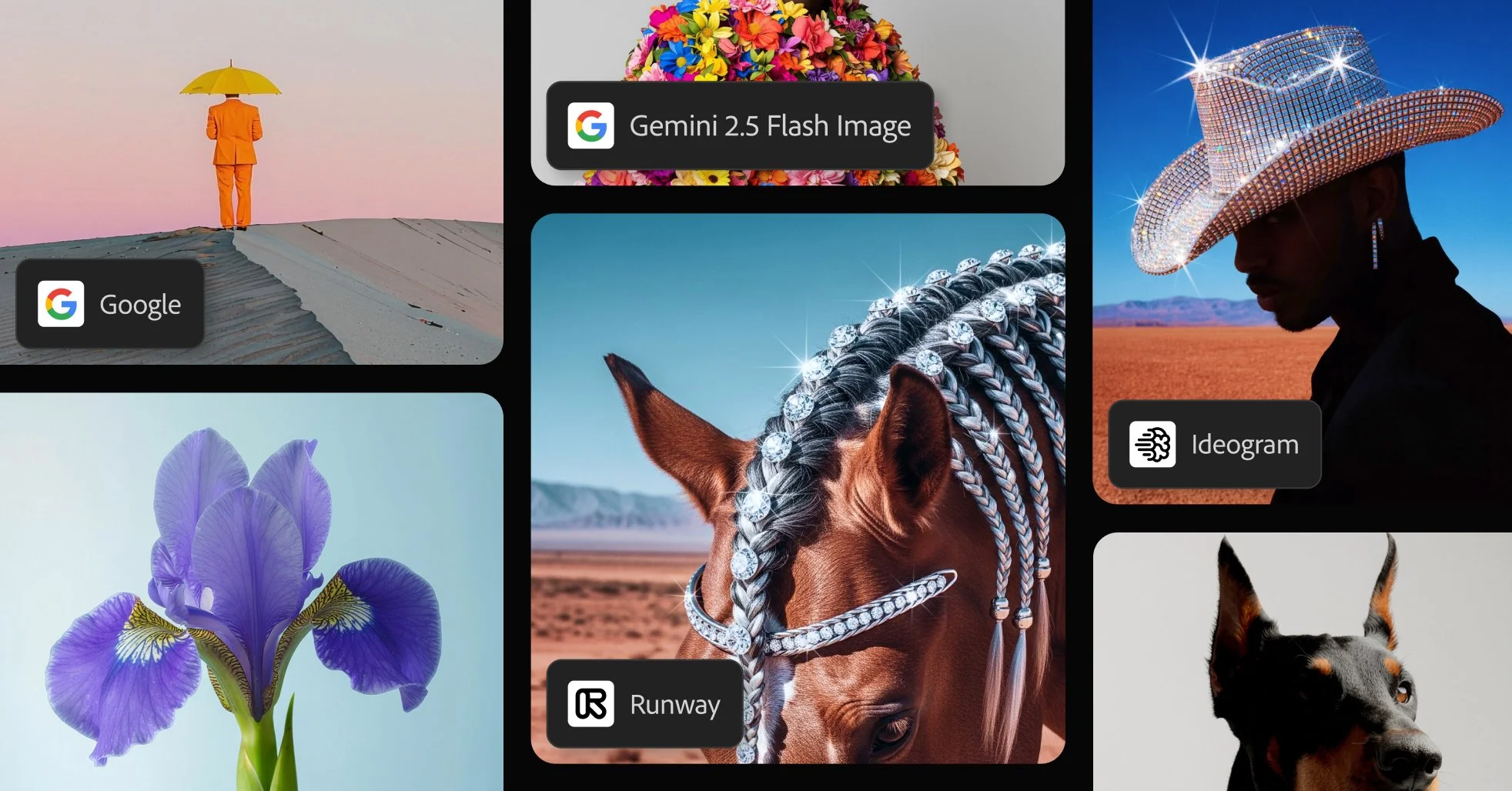
Explore what’s new and tips for using firefly. Learn more about the new Adobe Creative Cloud features, capabilities, and services included in your membership.
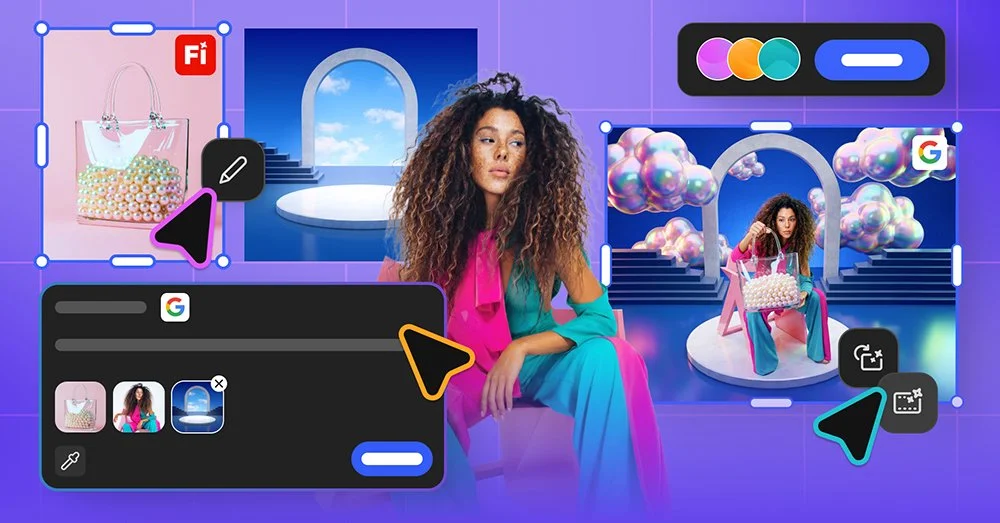


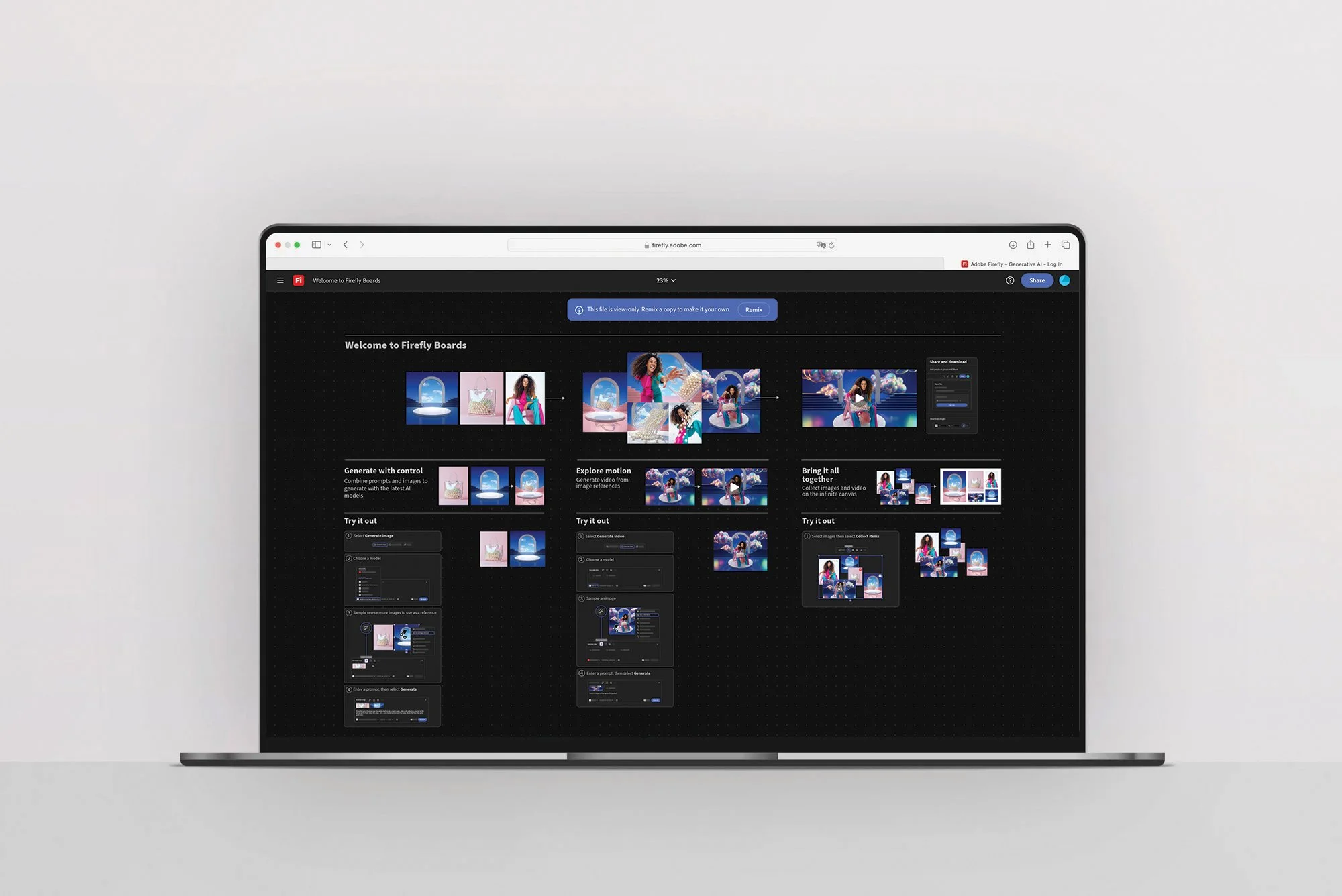
Mood board maker guide: Ideate and collaborate with Firefly Boards
Quickly visualize ideas with the Firefly Boards mood board maker, the generative AI-first approach to mood boarding. Confidently define, direct, and refine your vision all in one place .